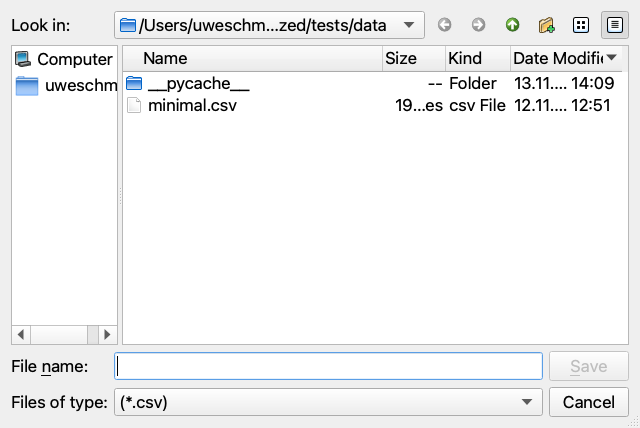
File Dialogs
emzed_gui provides four file-dialog helpers that wrap Qt's QFileDialog.
All of them create a QApplication if none exists, so they can be called
from a plain script without any Qt setup.
Every function returns None when the user cancels the dialog.
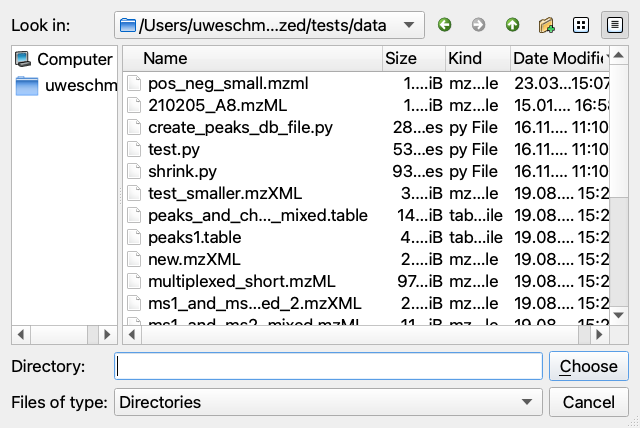
ask_for_directory
Opens a folder-picker dialog. Returns the selected directory path as a
string, or None on cancel.
import emzed_gui

folder = emzed_gui.ask_for_directory(start_at="/data/lcms")
if folder is not None:
    print(f"Selected: {folder}")
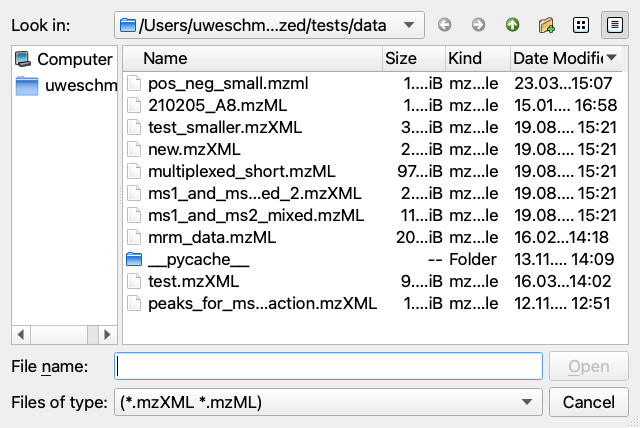
ask_for_single_file
Opens a file-picker limited to one existing file. Pass extensions to
restrict which file types are shown.
path = emzed_gui.ask_for_single_file(
    start_at="/data/lcms",
    extensions=["mzXML", "mzML"],
)
if path is not None:
    peakmap = emzed.io.load_peakmap(path)
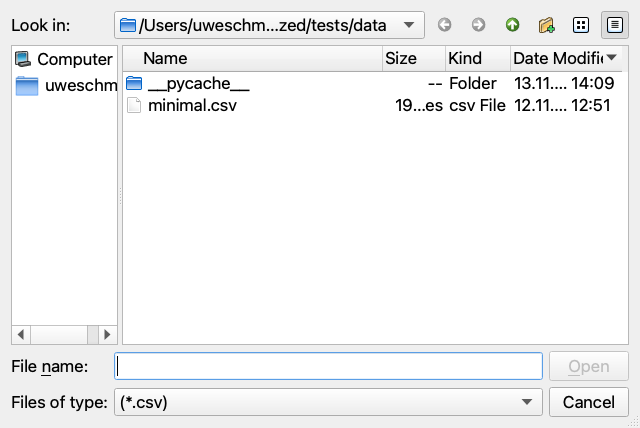
ask_for_multiple_files
emzed_gui.ask_for_multiple_files(
    start_at=None, extensions=None, caption="Open Files"
) -> list[str] | None
Opens a file-picker that allows selecting one or more existing files.
Returns a list of paths, or None on cancel.
paths = emzed_gui.ask_for_multiple_files(extensions=["csv"])
if paths is not None:
    tables = [emzed.io.load_csv(p) for p in paths]
ask_for_save
Opens a save dialog. The file does not need to exist yet. If extensions
is given, the dialog loops until the user enters a filename whose extension
is in the list (or cancels).
path = emzed_gui.ask_for_save(
    start_at="/data/results",
    extensions=["csv"],
    caption="Save Table",
)
if path is not None:
    table.store(path)