Notifications and Prompts
emzed_gui provides three lightweight message-box helpers. Like the
file dialogs, they create a QApplication automatically
if none is running.
show_warning
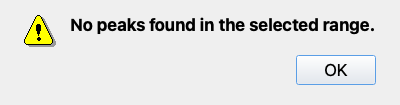
Shows a modal warning dialog with an OK button.
import emzed_gui

emzed_gui.show_warning("No peaks found in the selected range.")
emzed_gui.show_warning("Retention-time tolerance is very wide.", title="Check settings")
show_information
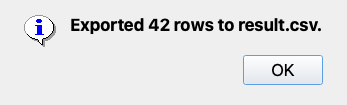
Shows a modal information dialog with an OK button.
ask_yes_no
Shows a question dialog and returns:
| User action | Return value |
|---|---|
| Yes | True |
| No | False |
Cancel (only when allow_cancel=True) |
None |
With a cancel option:
answer = emzed_gui.ask_yes_no(
    "Save changes before closing?",
    allow_cancel=True,
)
if answer is True:
    table.store(path)
elif answer is None:
    return  # user cancelled — abort the close action